ADOBE EXPRESS
When a design needs a real gradient – layered, shaped, animated – you hit the ceiling. Spectrum Supreme is a full gradient studio in the panel: eight gradient types, a live preview you drag with your hands, and export as a still, a GIF, or an MP4. Not a color picker. A studio.
Live preview
PREVIEW
Double-click to drop a color stop. Drag it where you want it. Grab the center and move it. What you see in the preview is exactly what lands on your page – no guessing, no render-and-hope.
Key features
Eight gradient types, all live
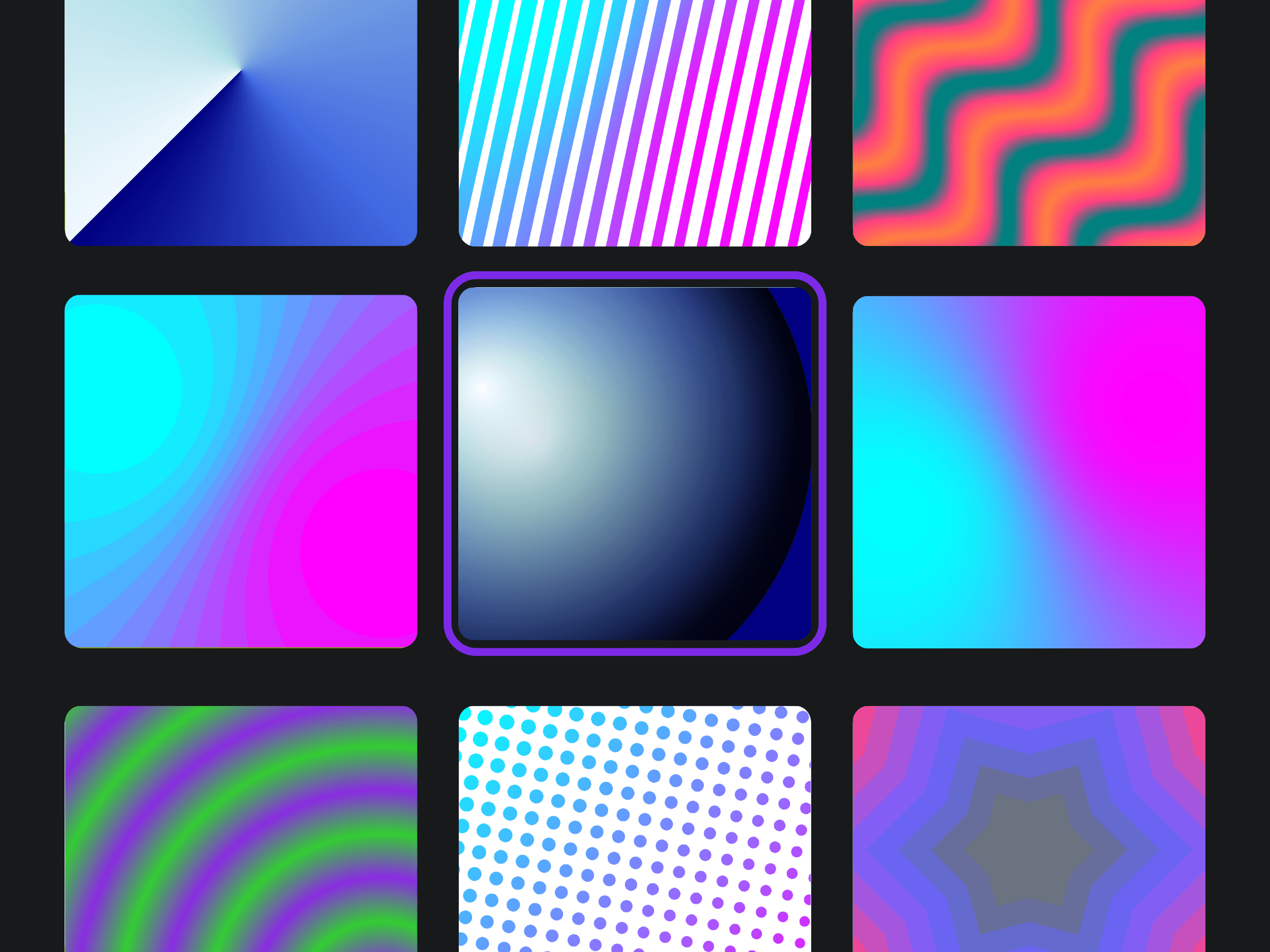
Linear and radial for the everyday. Then multipoint (place color points anywhere in 2D, no fixed axis), conic (a sweep around the center), ripple and wave (rhythmic, driven by frequency and amplitude), diamond, and globe – spherical shading with a movable light source and a Fresnel rim for a genuinely 3D-lit look.
A preview you actually touch
Draggable stops right on the canvas – double-click to add, drag to move, delete to remove. Unlimited stops, each with its own color, position, and opacity. The preview stays pinned as you scroll the controls, and it's the real render engine – what you see is what exports.
Shape it, mask it, texture it
Clip your gradient through seven built-in shapes, or pull your Express page in as a mask, or upload your own (PNG, JPG, or SVG – transparent shapes mask by outline, opaque ones act as a luma matte). Feathered edges render correctly everywhere, Safari included. Add a halftone pass – dots, lines, squares, circles, or diamonds – with size, density, contrast, and angle. Mirror and kaleidoscope for symmetry.
Animate it
Capture a start look and an end look, and Spectrum tweens between them. Frames are clickable thumbnails – load either one back, edit, re-save, in any order. Play and pause the loop live before you export. Duration, frame rate, ping-pong, ease in and out.
Export however the job needs
Still PNG (transparent or solid), animated GIF (auto-optimized to fit Express, with the final size reported), or MP4 over a background color. Resolution presets from social to print, up to 4K. One-click Add to design. Plus a big built-in preset library and your own saved presets – every thumbnail rendered through the real engine, so it shows exactly what you'll get.
TUTORIAL